Search is no longer just a box on a website. In many deployments, Manticore Search behaves more like an internal data service: applications query it, ingest workers update its tables, dashboards read from it, and operators change schemas. When all of that relies only on network-level trust, the access-control story gets weak quickly.
That is why Manticore Search now has built-in authentication and authorization. Introduced in the 27.x release line and published in the 27.1.5 release post , it lets Manticore check who is connecting and what that user is allowed to do.
The feature works across SQL, HTTP/HTTPS clients, distributed remote agents, and replication-related operations.
What Manticore adds
Manticore now supports authentication and authorization for the core access paths:
- SQL/MySQL clients authenticate with a user name and password.
- HTTP clients can use Basic authentication or Bearer tokens.
- Permissions are granted by action and target.
- Auth events can be logged at configurable levels.
- Users and permissions are managed through dedicated SQL commands.
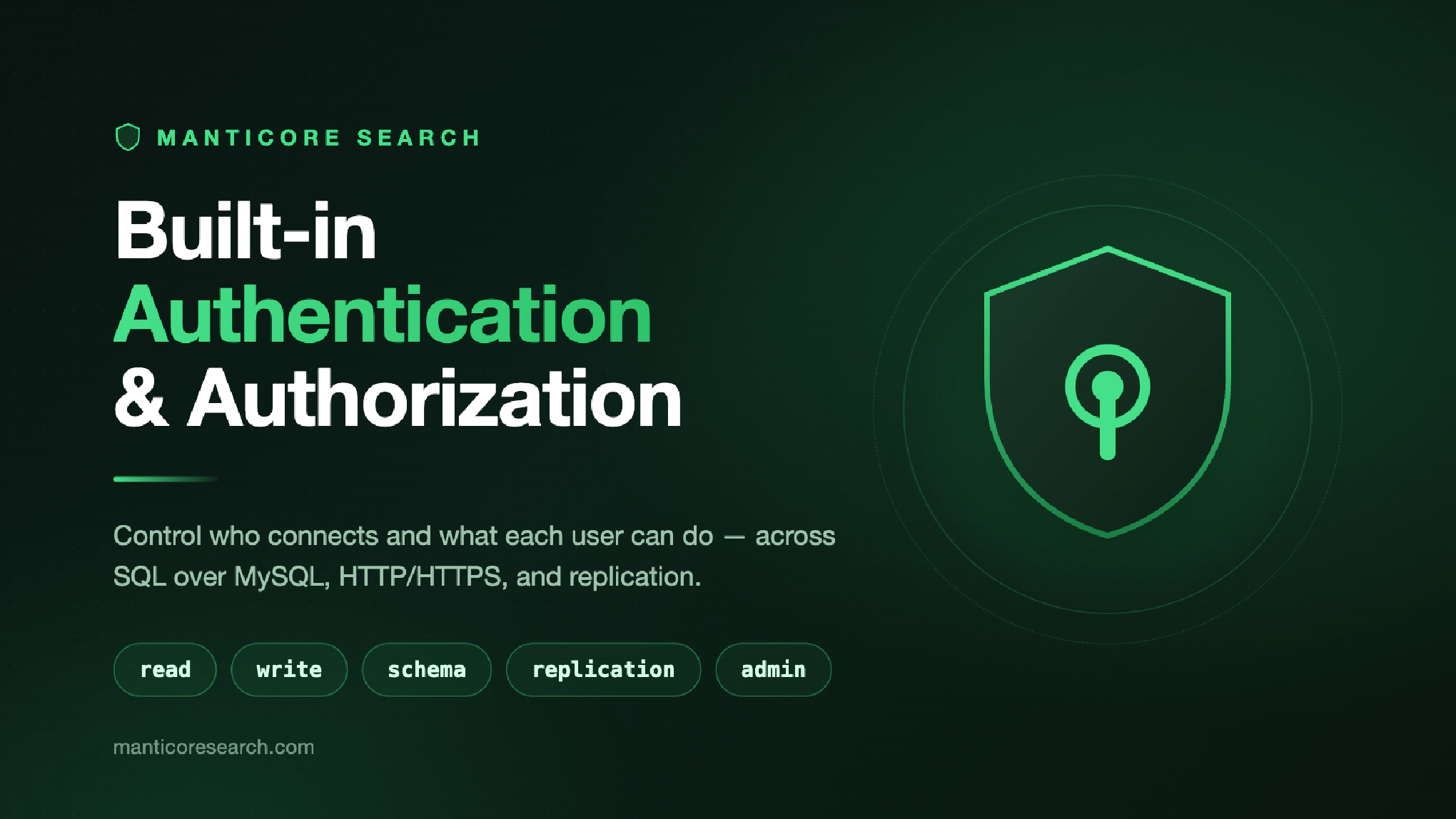
The authorization model uses five actions:
readfor search and read-only access.writefor data changes.schemafor table and schema management.replicationfor cluster operations.adminfor authentication and authorization management.
Targets are plain names and wildcards, for example products, logs_*, or *. That keeps the model close to how people already think about Manticore tables and clusters.
What changes for operators
It is common for a client application to be able to search a table without having permission to write to it. A data ingestion process may update documents without changing the schema. A schema migration task may run without being granted security administrator privileges. An operator can manage authentication and authorization without automatically gaining read access to business data.
Those permission boundaries matter once search becomes a part of shared infrastructure. The point is not just to keep outsiders out; it is to keep each trusted client limited to what it actually needs.
Manticore now gives those controls a native home. Users authenticate through the protocols they already use. Manticore checks permissions against actions and targets. Operators manage access with SQL commands. Applications keep their normal SQL or HTTP integration pattern.
Why this matters for SaaS and shared search
SaaS and shared-service teams often need one search layer to serve several products, teams, or tenants. Some integrations are customer-facing, some are internal tools, and some run in the background. They should not all inherit the same level of trust.
Before built-in auth, teams had to solve much of that outside Manticore. A common workaround was to put nginx in front of Manticore and rely on HTTP Basic authentication there. That could protect one entry point, but it did not give Manticore its own user and permission model. Now teams can model more of it directly where the data is served.
That makes Manticore easier to use for customer-facing search over sensitive data, internal tools with different permission levels, and shared search clusters used by multiple services.
Authentication and authorization are not a compliance program by themselves. Still, they are the kind of control reviewers expect to see. For GDPR, SOC 2, and internal security reviews, it helps to show named users, limited permissions, and authentication logs instead of a shared credential that can do everything.
Rollout notes
Operators can enable authentication, bootstrap the first administrator, and then manage users and permissions with familiar SQL commands. Applications do not need a new Manticore-specific gateway just to start sending credentials. SQL clients use usernames and passwords. HTTP clients use Basic authentication or Bearer tokens.
For existing deployments, treat the switch as a rollout, not just a config change. By default authentication is disabled until configured. Once it is enabled, clients that do not send credentials should fail, so update your application first and test expected denials before switching production traffic.
For distributed or replicated topologies, plan the rollout carefully. Upgrade remote agents and replication peers first, then upgrade the masters that query or manage them, and enable auth only after the whole topology is on a compatible version.
Learn more
For a hands-on walkthrough, see the practical launch post:
How to secure Manticore Search with built-in authentication and authorization
For existing deployments, see the rollout checklist:
Manticore Search authentication rollout checklist for existing deployments
For the full reference, see the manual page: