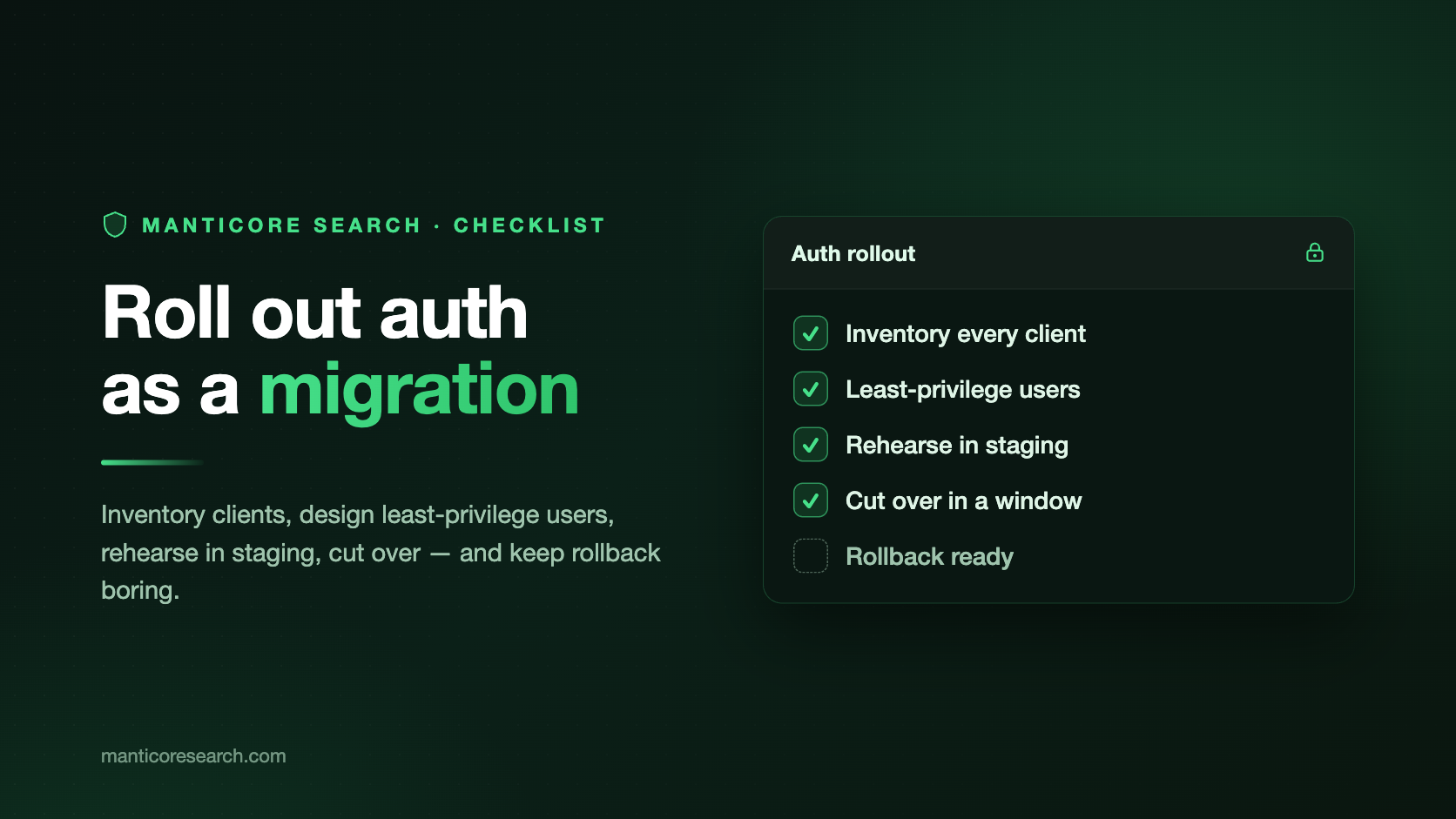
In production, "turn it on and done" almost never works. On a standalone node, the technical sequence is short: enable auth, restart Manticore, create an admin user, and update clients. A topology with distributed tables or replication clusters needs extra preparation because nodes must authenticate to each other as well.
Handle the rollout like a small release. Inventory clients and nodes, prepare the auth data, rehearse the procedure for your topology, and then cut over. A rehearsal exposes failures before the maintenance window.
This checklist is for users who plan to enable authentication and want to roll it out as safely as possible in an existing system. Remember that authentication is disabled until you configure auth; after cutover, clients that still omit credentials will fail.
Choose the procedure by topology:
| Topology | Migration requirement |
|---|---|
| standalone node | bootstrap the first administrator after enabling auth |
| distributed tables and remote agents | distribute one canonical auth store before authenticated remote queries begin |
| replication cluster | prepare the persisted cluster user and auth store before startup, then recover the cluster in a controlled order |
Phase 1: inventory before changing anything
Start by listing every client that connects to Manticore Search, including each application and independently deployed application component. Do this before editing the config.
Common things to check:
- application search frontends
- ingest workers
- cron jobs
- dashboards and BI tools
- support or admin tools
- schema change/update scripts
- backup and maintenance scripts
- local scripts run manually
For each client, record something like this:
| Client | Protocol | Tables or clusters | Needed actions | Notes |
|---|---|---|---|---|
| product search app | HTTP | products | read | will use Bearer token |
| catalog ingest worker | SQL | products | write | uses password auth |
| schema migration job | SQL | products | schema | run only during deploy |
| access administrator | SQL | * | admin | manages users and permissions |
Then confirm the deployment basics:
- Is this a standalone node, a distributed-table topology, a replication cluster, or a combination of them?
- Are you running RT mode or plain mode?
- In plain mode, where should the auth file live?
- Is
pid_fileconfigured in the config? Bootstrap needs it. - Are all participating nodes running a version that supports the same authentication protocol?
- Will SQL clients use SSL, and will HTTP clients use HTTPS when credentials cross a network?
- Where will credentials, including temporary Bearer tokens, be stored safely?
- Who is allowed to see the first admin password?
If replication is present, also record every cluster name and its persisted user in each node's <data_dir>/manticore.json. Back up the complete data directory, configuration, and any existing auth store before the rehearsal and again before production cutover.
Do not skip the credential-handling questions. CREATE USER returns a raw Bearer token; TOKEN generates a new token for the specified user. SHOW TOKEN later shows the stored token hash, not the raw token. If the raw token is lost, rotate it with TOKEN and update the token in your application.
Phase 2: set up least-privilege users
Create users based on specific workloads, rather than granting permissions based on what someone might need later.
Use a small matrix like this:
| Workload | User | Permissions |
|---|---|---|
| search frontend | app_read | GRANT read ON 'products' TO 'app_read' |
| ingest worker | app_ingest | GRANT write ON 'products' TO 'app_ingest' |
| schema migration job | schema_job | GRANT schema ON 'products' TO 'schema_job' |
| auth operator | security_admin | GRANT admin ON * TO 'security_admin' |
| replication operator | cluster_repl | GRANT replication ON 'posts' TO 'cluster_repl' |
Keep in mind that admin is a narrow permission. It only allows managing authentication and authorization state; it does not imply read, write, schema, or replication.
That matters because a person who manages credentials does not automatically need to read business data. A service that searches products does not need to write documents. A migration job does not need to manage users.
Plan negative permission tests as well. For every user you create, choose at least one thing it should be able to do and one thing it should not be able to do.
Examples:
app_readcan searchproducts.app_readcannot insert intoproducts.app_ingestcan write toproducts.app_ingestcannot manage auth.schema_jobcan change schema forproducts.schema_jobcannot read tables unless you grantread.
Phase 3: test in staging
Use a staging environment to rehearse the sequence of steps you plan to follow in production.
In RT mode:
searchd {
    data_dir = /var/lib/manticore
    auth = 1
    auth_log_level = info
    ...
}
To turn auth off explicitly in RT mode:
searchd {
    data_dir = /var/lib/manticore
    auth = 0
    ...
}
In plain mode:
searchd {
    auth = /var/lib/manticore/auth.json
    auth_log_level = info
    ...
}
Keep the auth file private. Before the first bootstrap, Manticore may create an empty auth file. After bootstrap, that file stores auth data and credential hashes.
This bootstrap sequence works on a standalone node or on an isolated temporary daemon that prepares auth data for several nodes. Never start an existing replication data directory with an empty auth store. Its persisted cluster user will be missing, and Manticore may skip the cluster descriptor.
Start searchd, then bootstrap the first administrator:
searchd --config /etc/manticoresearch/manticore.conf --auth
For scripted setup:
printf 'admin\nStrongPass#2026\nStrongPass#2026\n' | \
  searchd --config /etc/manticoresearch/manticore.conf --auth-non-interactive
⚠️ Warning: The command above includes the password in plain text. In production automation, feed the three input lines to standard input from your secret-management system.
Bootstrap creates the first administrator with all actions, including replication; no additional grant is needed. The command does not return a bearer token. If the administrator needs HTTP Bearer access, connect as that user and run TOKEN, or use the HTTP POST /token endpoint.
For a multi-node deployment, create the auth store once. Use a temporary daemon with its own empty data directory, PID file, and listeners. Bootstrap the administrator and shared service users, then stop the daemon cleanly. Copy the resulting auth store to every participating node before enabling authenticated node-to-node traffic. Do not recreate the same users independently: matching names and passwords can still produce different stored authentication material.
Next, create staging users based on the notes from the previous phases. For example:
CREATE USER 'app_read' IDENTIFIED BY 'ReadPass#2026';
GRANT read ON 'products' TO 'app_read';

CREATE USER 'app_ingest' IDENTIFIED BY 'IngestPass#2026';
GRANT write ON 'products' TO 'app_ingest';

CREATE USER 'schema_job' IDENTIFIED BY 'SchemaPass#2026';
GRANT schema ON 'products' TO 'schema_job';

CREATE USER 'security_admin' IDENTIFIED BY 'AdminPass#2026';
GRANT admin ON * TO 'security_admin';
Store the returned Bearer tokens in secure storage. Remember: raw tokens must not be left in logs, shell history, or unprotected files. If you need to rotate one, use:
TOKEN 'app_read';
SHOW TOKEN is not a way to recover the raw token:
SHOW TOKEN FOR 'app_read';
Review users and permissions:
SHOW USERS;
SHOW PERMISSIONS;
SHOW PERMISSIONS FOR 'app_read';
Run one allow and one deny test for every user. For the read-only user:
curl -H "Authorization: Bearer <app_read_token>" \
  http://127.0.0.1:9308/sql?mode=raw \
  -d "SELECT * FROM products LIMIT 10"
Then verify that an unauthorized operation is denied:
curl -H "Authorization: Bearer <app_read_token>" \
  http://127.0.0.1:9308/sql?mode=raw \
  -d "INSERT INTO products(id,title) VALUES(1,'test')"
For this HTTP request, expect a 403 Forbidden response. Over SQL/MySQL, a permission denial returns ERROR 1045 with a permission-denied message.
SQL clients should connect with a Manticore user name and password. The SQL/MySQL protocol in Manticore supports mysql_native_password.
MYSQL_PWD=ReadPass#2026 \
  mysql -h127.0.0.1 -P9306 -uapp_read \
  -e "SELECT * FROM products LIMIT 10"
HTTP clients can use Basic authentication or Bearer tokens:
curl -u app_read:ReadPass#2026 \
  http://127.0.0.1:9308/sql?mode=raw \
  -d "SELECT * FROM products LIMIT 10"
HTTP authentication schemes (Basic, Bearer) are case-insensitive; user names are case-sensitive.
If you edit the auth file outside the daemon during maintenance, reload it:
RELOAD AUTH;
Phase 4: production rollout checklist
Use this checklist for every deployment, then follow the procedure for your topology.
- Confirm you have a current configuration and data-directory backup.
- Back up
manticore.jsonand the existing auth store separately. - Confirm existing network protections stay in place.
- Confirm
pid_fileis set in the config. - Confirm where the auth file will be created or loaded from.
- Confirm password and token storage is ready.
- Confirm every participating node runs a compatible Manticore version.
- Rehearse the same topology and restart order in staging.
- Prepare one canonical auth store for users shared across nodes.
- Choose the standalone, distributed, or replication procedure below.
- Enable auth during a planned maintenance window.
- Expect unauthenticated clients to fail after auth is enabled.
- Store tokens in a protected secrets store immediately after they are issued. Do not store raw tokens in files, shell history, or logs.
- Update SQL connection code to send user names and passwords.
- Update HTTP connection code to use Basic authentication or Bearer tokens.
- Run the allow and deny tests from staging.
- Verify internal node-to-node operations when the deployment has remote agents or replication.
- Check the auth log.
- Run application stress tests that cover search, ingest, dashboards, and maintenance scripts.
- Rotate any temporary rollout credentials.
- Keep the first admin credential out of normal application use.
Standalone node
For a standalone node, the direct bootstrap sequence is sufficient:
- Stop Manticore cleanly and take the final backup.
- Configure
authand startsearchd. - Bootstrap the first administrator with
searchd --config <path> --auth. - Create the production users and permissions.
- Update clients and run the planned allow and deny tests.
- Confirm that existing tables and known rows are still available.
Distributed tables and remote agents
Distributed queries send remote-agent requests as the current session user. Each remote node must have the same stored authentication material for that user and grant the required permission on the remote table.
For a new rollout across distributed nodes:
- Create the shared users once in the isolated bootstrap daemon from Phase 3.
- Stop the affected agents and masters for the coordinated cutover.
- Configure
authand place the same canonical auth store on every participating node. Preserve restrictive ownership and permissions, and compare checksums. - Start remote agents before the masters that query them.
- Test a direct authenticated query on each agent, followed by the equivalent distributed query through the master.
- Create node-local users only after shared traffic works, and keep shared user records synchronized whenever their passwords, tokens, or permissions change.
Create shared users only once. Independently created accounts can have different stored authentication material even when their names and passwords match.
Existing replication cluster
Moving an existing unauthenticated replication cluster to auth requires a coordinated restart. Do not enable auth and bootstrap the first user against the existing cluster data. The empty store does not contain the persisted cluster user, so Manticore may skip the cluster descriptor.
Use this sequence:
While the unauthenticated cluster is healthy, choose its future replication identity and persist it:
ALTER CLUSTER products UPDATE user 'cluster_repl';UPDATE userwrites the name to the cluster metadata. Authentication is still disabled, so Manticore neither creates nor checks the account at this point. Create it in step 3, before restarting any real cluster node with authentication enabled.Verify that every node's
<data_dir>/manticore.jsonnow stores"user": "cluster_repl"for the cluster. If a node hosts several clusters, update each cluster to a user that will exist in the new auth store, or create and grant every persisted user before cutover.Stop all cluster nodes cleanly and use the replication state to select the safe primary. After a clean shutdown, this is normally the node stopped last, with
safe_to_bootstrap: 1in its<data_dir>/grastate.dat. See Restarting a cluster .Bootstrap
cluster_replas the first administrator in the isolated temporary daemon. The first administrator already has every action, includingreplication, so it needs no additional grant. If the cluster will use a separate least-privilege identity, create it once and grantreplicationbefore distributing the store.Stop the temporary daemon. Configure
authon every real cluster node and copy the exact generated auth store to each one. Keep the files private and byte-identical. Do not start a real cluster node before this store is in place.Restart a two-node cluster in this order:
- Start the non-primary peer normally and wait only for its daemon listener. Its cluster can report
closedat this point; do not write to it. - Start the recorded safe primary with
--new-cluster, or use the correspondingmanticore_new_clusterservice action. - Wait for the safe primary to report
cluster_products_status=primaryandcluster_products_node_state=synced. - Stop the first peer cleanly and start it normally again. Wait for the same
primaryandsyncedvalues on that peer. Never use--new-clusteron it.
The safe primary reads the persisted cluster user from a descriptor peer during startup, so the initial peer must already be listening. Starting the safe primary alone can fail with
failed to fetch donor user from any nodeeven when the auth store is correct. For a larger cluster, rehearse the sequence in staging. Use one non-primary node as the initial metadata peer, establish the safe primary, and then start or restart the remaining peers normally.- Start the non-primary peer normally and wait only for its daemon listener. Its cluster can report
On each node, check that the cluster component is primary, the local node is synchronized, and the pre-migration data is present:
SHOW STATUS LIKE 'cluster_products_status';
SHOW STATUS LIKE 'cluster_products_node_state';
SELECT COUNT(*) FROM products:existing_table;
Wait until the two status values are
primaryandsynced, respectively, before treating the node as writable.Before returning traffic, make a disposable one-row table and add it to the recovered cluster:
CREATE TABLE migration_control (id bigint, body text);
INSERT INTO migration_control VALUES (1, 'post-auth control');
ALTER CLUSTER products ADD migration_control;
Confirm that the peer returns one row from
products:migration_control. If this check fails after the pre-migration data checks passed, investigate table transfer rather than the migration itself.
After the cluster is healthy, create the remaining administrative users and, if needed, a dedicated least-privilege replication user. Change the stored cluster identity only after the new user and its auth data are visible on every node:
CREATE USER 'repluser' IDENTIFIED BY '<strong-secret>';
GRANT replication ON * TO 'repluser';
ALTER CLUSTER products UPDATE user 'repluser';
Do not remove the bootstrap administrator until another administrator and the final replication identity have both been verified.
When a node joins an authenticated cluster, the donor's auth data replaces the joining node's local auth data. At info or a more verbose auth log level, Manticore writes the previous data to searchd.log.auth as a backup. The log can contain salts and credential hashes, so restrict access and redact it before sharing.
Authentication logging during cutover
Authentication events are written to a separate auth log when authentication is enabled. If the daemon log is /var/log/manticore/searchd.log, the auth log is /var/log/manticore/searchd.log.auth.
The auth_log_level values are:
disablederrorwarninginfoalltrace
The default is info. Start there unless you have a reason to reduce or increase the logging detail. Use trace only for diagnostics; it also includes all successful internal auth traffic.
Useful cleanup and maintenance commands:
SET PASSWORD 'NewReadPass#2026' FOR 'app_read';
REVOKE read ON 'products' FROM 'app_read';
DROP USER 'app_read';
SET PASSWORD changes the password used by SQL/MySQL and HTTP Basic auth. It does not revoke existing bearer tokens. To rotate Bearer access, create a new token with TOKEN or POST /token and update the client.
Phase 5: rollback plan and troubleshooting
For a standalone node, restore the previous configuration and network restrictions, restart Manticore, and revert the client configuration if necessary.
Roll back all communicating nodes together. A mix of authenticated and unauthenticated nodes will not work. Restore the same configuration and auth state on each node, then restart remote agents before their masters.
Keep the pre-cutover manticore.json backup for every replication cluster. If a node started with auth before the persisted cluster user existed, stop it and compare the current descriptor with the backup. A clean stop may have saved the skipped state without the cluster descriptor; restore the backed-up descriptor before retrying. Do not recreate clustered tables or delete their data.
Do not delete the rollout notes. They are usually the fastest way to see which client was updated, which token was stored where, and which permissions were created.
| Symptom | Likely cause | Check |
|---|---|---|
| SQL access denied | Wrong user, wrong password, or client auth mismatch | Check the configured user and confirm the client can use mysql_native_password. |
| HTTP 401 | Missing or invalid credentials | Check the Authorization header and whether the client uses Basic auth or Bearer token auth. |
| HTTP 403 | User authenticated but lacks permission | Check SHOW PERMISSIONS FOR '<user>'. |
| Bearer token does not work | Token was lost, copied incorrectly, or already revoked | Run TOKEN '<user>', store the returned token, and update the client. |
| User has fewer permissions than expected | Missing action grant | Check whether the operation needs read, write, schema, replication, or admin. |
| User has more permissions than expected | Broad target or missing explicit deny | Check wildcard grants, exact target grants, and any WITH ALLOW 0 rules. |
| Distributed query is denied remotely | Shared user is missing, differs, or lacks permission on the agent | Compare the auth stores and permissions on the master and agent. |
| Existing cluster is skipped at startup | Persisted cluster user is missing from the auth store or lacks replication | Check manticore.json, SHOW PERMISSIONS, and the pre-cutover backup before restarting. |
failed to fetch donor user from any node | No descriptor peer is available, or daemon-to-daemon authentication failed | Check the restart order, peer availability, and searchd.log.auth on both nodes. |
Permission rules are determined by action type. When rules conflict, an explicit deny always takes precedence over an allow, even if the allow is more specific. If no matching allow exists, access is denied.
Final check
Before calling the rollout done, confirm that:
- You used the procedure for the deployment's topology.
- Every isolated part of the system that uses Manticore Search has its own user.
- Every user has only the actions it needs.
- Users shared between nodes have the same stored authentication material.
- Bearer tokens are stored in a protected secrets store; raw tokens are not saved outside a controlled environment.
- The operations team knows that
SHOW TOKENdoes not return the raw token, but shows its hash; useTOKENor the HTTP endpoint to get a new token. - SQL and HTTP clients have been updated.
- Expected denials were tested.
- You tested distributed queries or replication operations when applicable.
- Every migrated replication cluster is
synced, and its existing data is present on every node. - Auth logs are visible.
- The rollback procedure is clear and documented.
We wish you a smooth authentication and authorization rollout!