One of our users reached out recently with a familiar problem: search had suddenly become noticeably slower, even though nothing looked obviously broken.
The service was up, no errors in the logs, CPU usage looked normal — yet users were starting to complain that results felt sluggish.
This is how search problems usually show up in production. Not with a dramatic outage, but as a slow, creeping degradation. A little more traffic here, some extra indexing there, and before you know it, performance has slipped.
By the time users notice, the real issue has often been building for hours. Without good visibility you’re left guessing: Is the system overloaded? Is one table eating up resources? Or is something else quietly going wrong?
That’s why monitoring matters. It turns the vague “search feels slow” complaint into something you can actually diagnose and fix.
Introducing the Manticore Grafana dashboard
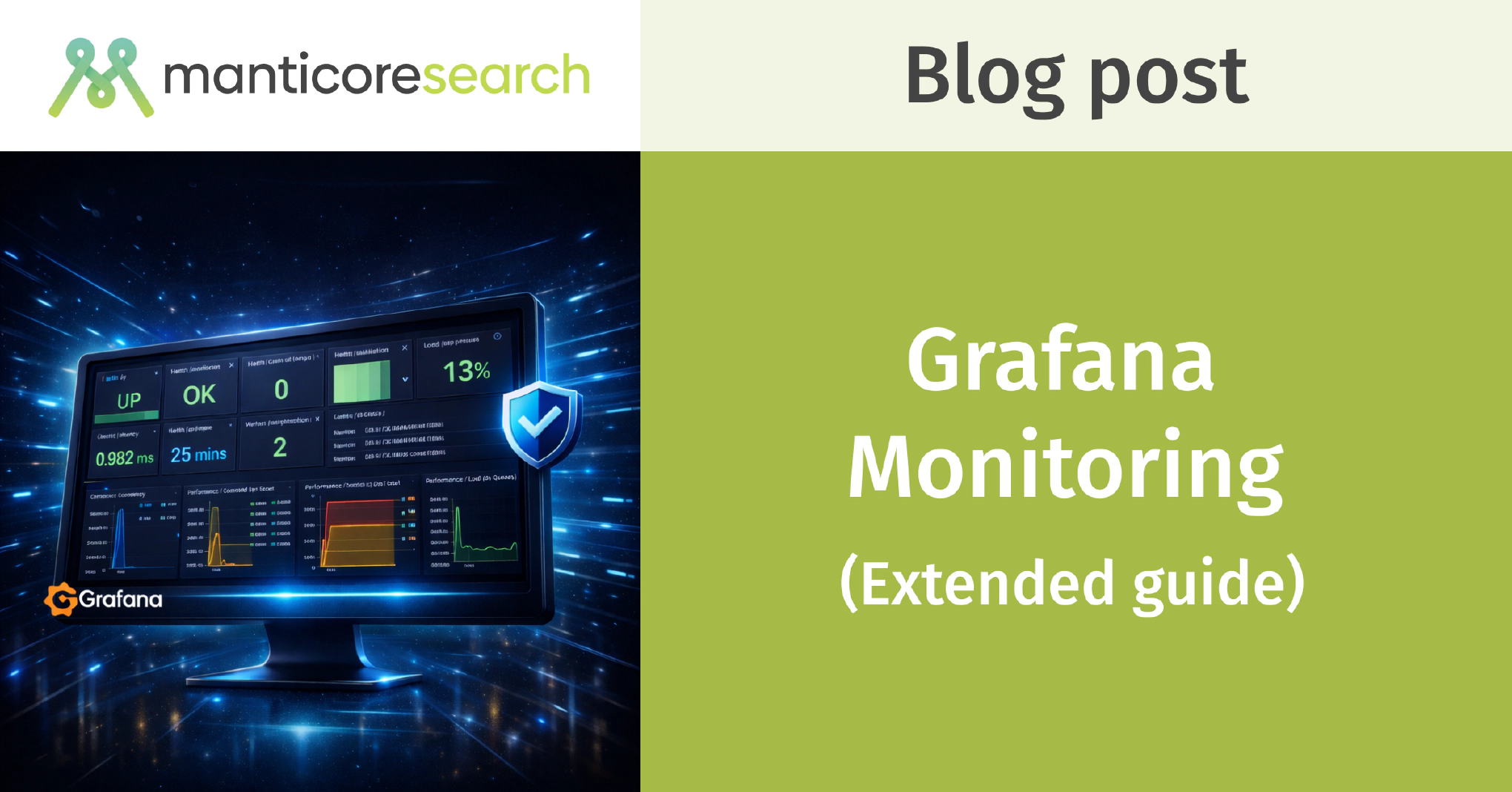
This is exactly what our new Manticore Grafana dashboard is built for.
Instead of raw metrics, it gives you a clean, practical view of what really matters when running search in production. At a glance you can see:
- Is the node healthy?
- How heavy is the current load?
- Are queries slowing down?
- Which tables are using the most resources?
It’s designed to help you move quickly from a user symptom to the actual root cause.
How the stack works
The setup is straightforward: Manticore → Prometheus → Grafana.
Manticore exposes rich internal metrics, Prometheus collects and stores them as time-series data, and Grafana visualizes everything with our pre-built dashboard — including 21 production-ready alerts.
You can launch the entire stack with a single Docker command:
docker run -e MANTICORE_TARGETS=localhost:9308 -p 3000:3000 manticoresearch/dashboard
(Just change the MANTICORE_TARGETS environment variable if your Manticore instance is running somewhere else.)
If you prefer to set things up manually, grab these files:
Minimal Prometheus scrape config:
scrape_configs:
  - job_name: "manticore"
    static_configs:
      - targets: ["localhost:9308"]
Exploring the dashboard
The dashboard is laid out so you can follow a natural troubleshooting flow.
1. Health summary (start here)

Open the dashboard and look at the top row first. It gives you an instant picture of the node’s overall health.
Key panels to watch:
- Health / Up — Is Prometheus even able to scrape metrics?
- Health / Crash indicator — Any recent crashes?
- Workers Utilization % + Load / Queue pressure — These two together are gold. High utilization plus rising queue pressure is one of the clearest early signs the node is approaching saturation.
The System Score panel also gives you a quick overall health rating at a glance.
2. Query load and latency


Next, check what kind of workload the system is handling.
- QPS Total shows overall traffic levels.
- Search Latency (p95/p99) is one of the most important panels — averages can hide problems, but percentiles show what your users are really experiencing.
- Slowest Thread helps spot expensive or stuck queries.
- Work Queue Length and Worker Saturation together tell you whether the node is keeping up or starting to fall behind.
3. Memory and resources

This section is one of the most useful because memory pressure is a very common (and often hidden) cause of slowdowns in search engines. Instead of showing one vague number, the dashboard breaks it down so you can see exactly where the growth is happening.
- Searchd RSS and Buddy RSS show the total resident memory — how much physical RAM the main search daemon (searchd) and the Buddy helper process are actually using right now.
- The Anon RSS panels go one level deeper. “Anonymous” memory is the private, dynamic RAM allocated by Manticore itself (think heap, query caches, loaded data structures, temporary buffers — everything not backed by a file on disk). Unlike file-mapped memory (which the OS can page out or reclaim), anon memory is what usually puts real pressure on your system.
Why show both RSS and Anon RSS? Total RSS gives you the big picture, but Anon RSS tells you the story behind it. If total RSS is climbing but Anon RSS is stable, the growth might be harmless (e.g. more cached files). If Anon RSS is also rising fast, that’s usually a sign that Manticore’s own data structures or query activity are consuming more and more memory — exactly the kind of thing that leads to slower queries or even swapping.
At the bottom you’ll also see several quick counters:
- Resources / FDs (searchd) — current number of open file descriptors used by the search daemon. Manticore opens a lot of files for indexes (especially large real-time tables with many disk chunks). If this number gets too high you can hit the OS limit and start seeing “Too many open files” errors. You can raise the soft limit with the
max_open_filessetting (see the Manticore docs on server settings ). - Active workers, table counts, and non-served tables — all quick signals that something might need attention.
4. Table-level insights

Now zoom in on the data itself.
- Document counts per table
- Top 10 tables by RAM and disk usage
- Tables / Health panel — this one is particularly valuable because it combines docs, RAM, disk, and state flags (locked/optimizing) in a single view.
5. Cluster state and history


For distributed setups you get node status and sync state. The history section is excellent for answering the most important question during any incident: what changed right before things slowed down?
Conclusion
Remember the user who reached out because search had suddenly become noticeably slower?
Once he enabled this dashboard, the problem became obvious almost immediately: workers were getting busier, queues were growing, and memory pressure was building — all before any obvious errors or crashes appeared. With clear visibility into what was actually happening inside the engine, he quickly pinpointed the root cause, made the right adjustments, and got performance back to the fast, reliable level his users expected.
The real value of monitoring isn’t just seeing pretty graphs. It’s catching those creeping issues early — before they cost you money or customers.
This dashboard removes that blind spot. It gives you the visibility you need to keep your search fast and reliable.